Key takeaways
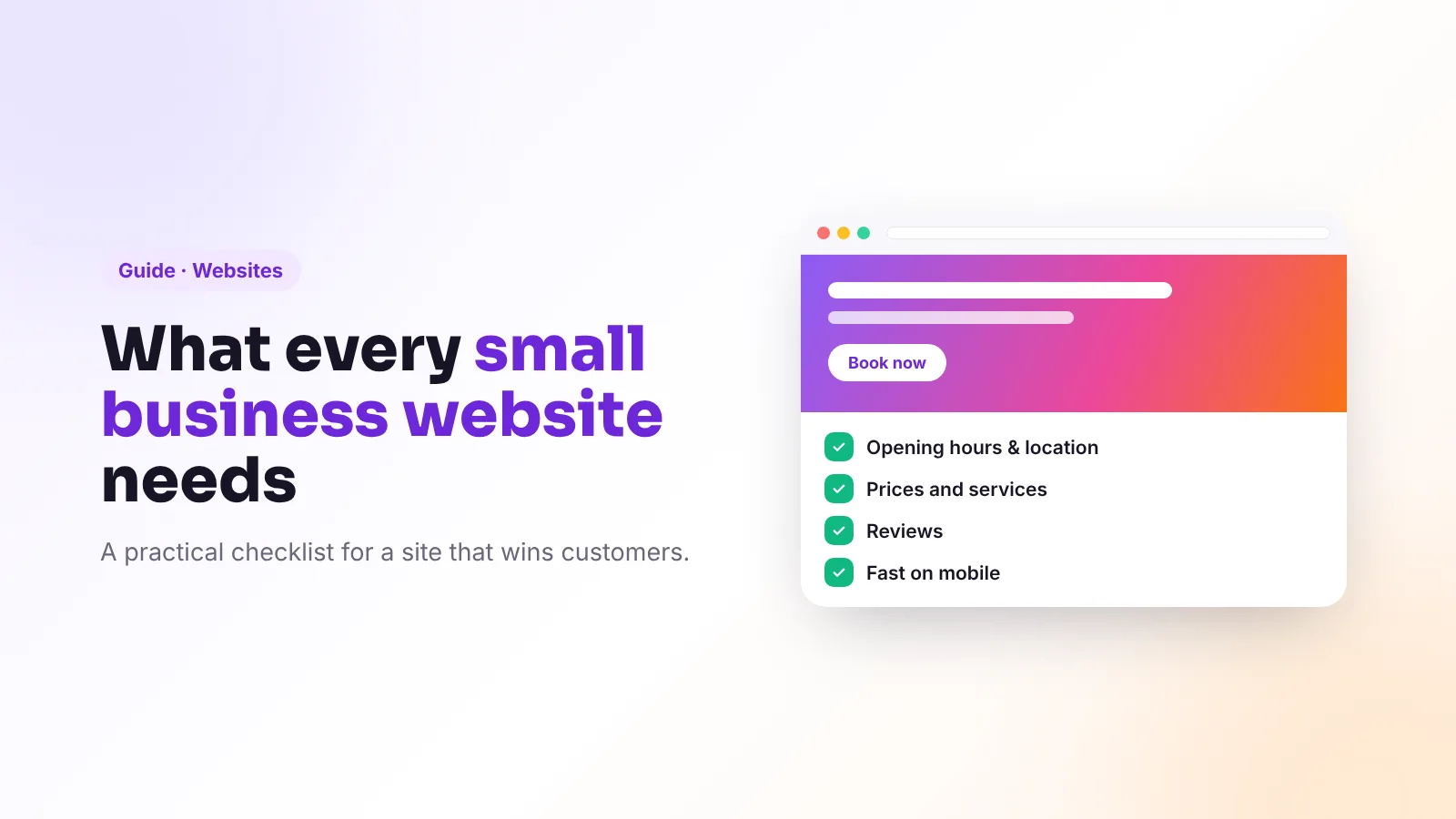
- A good small business website answers four questions instantly: what you do, where, when you’re open and how to book or buy.
- Most visitors arrive on a phone, so design for mobile first and keep it fast.
- Google’s Core Web Vitals “good” targets are LCP ≤ 2.5 s, INP ≤ 200 ms and CLS ≤ 0.1.
- Trust signals — reviews, real photos, prices and a real address — turn visitors into customers.
- In the UK and EU, cover the legal basics: privacy notice, cookie consent where needed, and clear business details.
Social media gets attention, but your website is where people check you’re real, compare, and decide. It also powers your visibility on Google and in AI answers. It doesn’t need to be big or expensive — it needs to be clear, fast and trustworthy. Use this checklist to see how yours measures up.
1. The essentials, above the fold
Within a few seconds on a phone, a visitor should see:
- What you do — in plain words (“Family-run Italian restaurant in Cardiff”)
- Where you are — town or neighbourhood, with a map link
- When you’re open — today’s hours if possible
- The main action — Book, Order, Call or Get a quote, as a clear button
If people have to scroll or hunt for these, many will leave.
2. Pages that answer real questions
- Home: a clear summary and the main action
- Services or menu: each main service with a description and prices or “from” prices
- About: who you are, your story, your team — with real photos
- Reviews: genuine reviews, with a link to your Google reviews
- Contact: address, map, phone, email, hours, parking and accessibility
- FAQ: the questions customers ask every week
Clear service pages and FAQs also help you appear in Google and AI answers — see our guides to local SEO and GEO.
3. Easy booking, ordering or enquiry
Remove every unnecessary step. Use online booking if your industry suits it, a short enquiry form (name, contact, message) if not, and tap-to-call buttons on mobile. Confirm every booking or enquiry immediately so people know it worked.
4. Fast and mobile-friendly
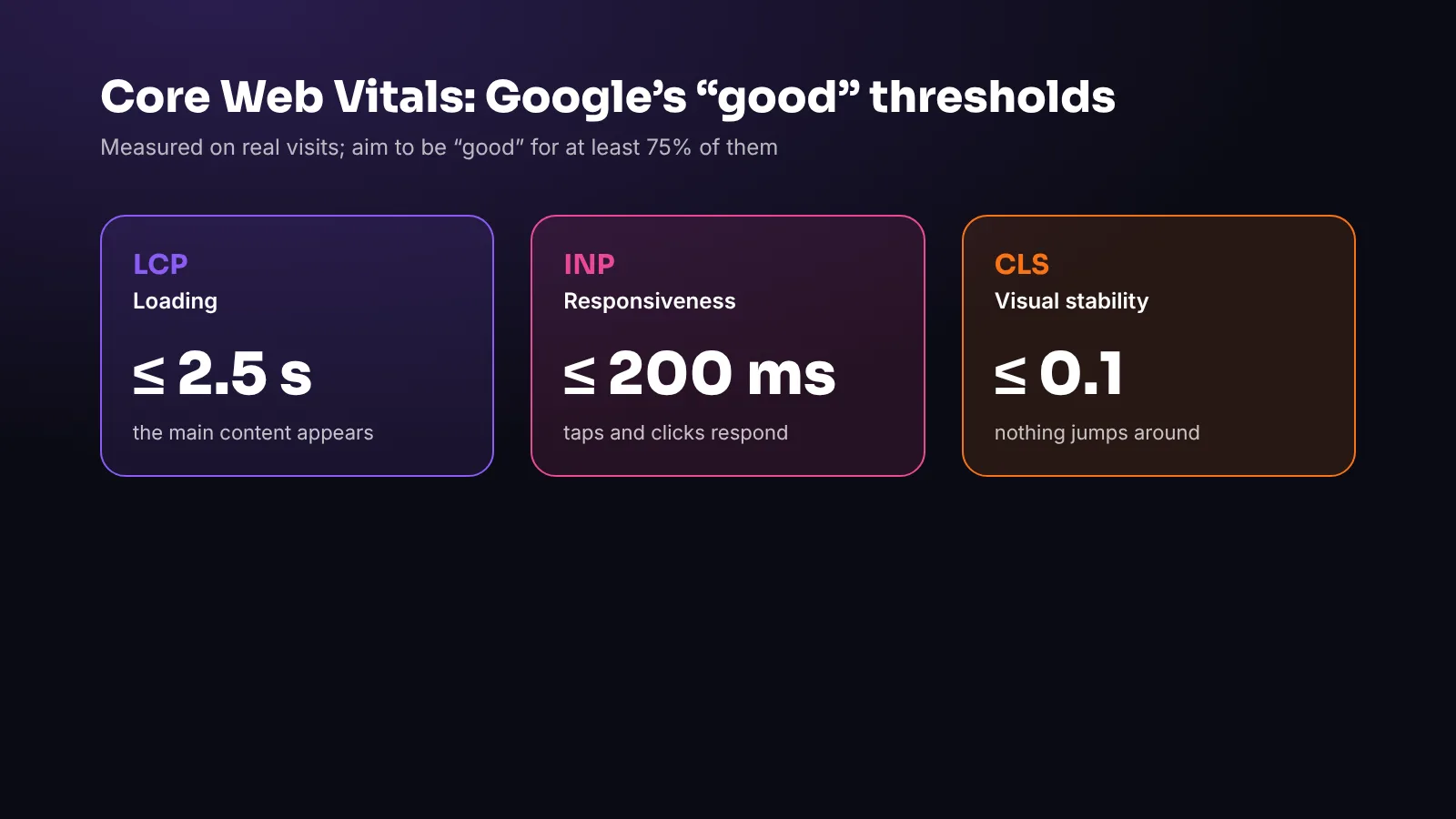
Google measures real-world page experience with Core Web Vitals. The “good” thresholds, measured at the 75th percentile of visits, are:
- Largest Contentful Paint (LCP) ≤ 2.5 seconds — how quickly the main content appears
- Interaction to Next Paint (INP) ≤ 200 milliseconds — how quickly the page responds to taps and clicks (INP replaced First Input Delay in March 2024)
- Cumulative Layout Shift (CLS) ≤ 0.1 — how much the page jumps around while loading
You can check yours for free with Google’s PageSpeed Insights. The usual fixes: compress images, avoid heavy themes and unnecessary plugins, and use good hosting.
5. Trust signals
- Real photos of your place, team and work — not just stock images
- Reviews and ratings, with links to the source
- Prices or price ranges, so people know what to expect
- Your full business details — name, address, phone and email — consistent with your Google Business Profile
- Secure connection (HTTPS) — the padlock in the browser
6. Search basics
- A unique, descriptive page title and meta description for every page
- One clear heading per page that says what it’s about
- Descriptive text for images (alt text)
- Structured data (schema.org LocalBusiness) with your details and hours
- Connected to Google Search Console so you can see how people find you
- A sitemap, and a
robots.txtthat doesn’t block search engines or the AI crawlers you want
7. Accessibility
An accessible site works for more people and is usually better for everyone: readable text sizes, strong colour contrast, descriptive links (“Book a table”, not “Click here”), alt text on images, forms with clear labels, and everything usable with a keyboard. The international standard is WCAG; aim to follow its guidance.
8. Legal basics for the UK and EU
This is general information, not legal advice:
- Privacy notice explaining what personal data you collect, why, how long you keep it and people’s rights (UK GDPR / EU GDPR).
- Cookies: non-essential cookies (such as most analytics and advertising) generally need consent under the UK’s PECR and the EU ePrivacy rules. Strictly necessary cookies don’t.
- Business information: your business name and contact details should be easy to find; companies have additional disclosure requirements in many countries.
- Prices and terms: clear prices, and terms and conditions if you sell online.
9. Keep it current
An outdated website costs trust. Review it monthly: hours, prices, menus, offers, team photos and holiday closures. Make sure it matches your Google Business Profile and social media exactly.
Frequently asked questions
What should a small business website include?
At minimum: what you do, where you are, opening hours, prices or services, real photos, reviews, contact details, an easy way to book or enquire, and a privacy notice.
What are Core Web Vitals?
They’re Google’s measures of real-world page experience: Largest Contentful Paint (loading), Interaction to Next Paint (responsiveness) and Cumulative Layout Shift (visual stability). The “good” thresholds are 2.5 seconds, 200 milliseconds and 0.1.
Do I need a cookie banner?
Only if you use cookies or similar technologies that aren’t strictly necessary, such as most analytics or advertising tools. Strictly necessary cookies, like those that keep people signed in, don’t require consent.
How often should I update my website?
Check hours, prices and offers at least monthly, and update immediately when anything changes. Fresh, accurate information helps customers, Google and AI assistants.
Is a social media page enough instead of a website?
Social media is valuable, but a website gives you control, appears in search for specific services, and is where many people go to check you’re legitimate before buying.
The bottom line
Clear essentials, easy booking, real trust signals, fast pages, solid search basics, accessibility and the legal minimum — that’s what makes a small business website work. Most sites can be fixed one checklist item at a time.
Viraluna Studio designs and builds fast, accessible websites for local businesses across the UK and Europe, ready for Google and AI search. Explore our website service.